
Automate prepress · For print shops, labs and album makers
MagZPro makes print-ready photo magazines in batches.
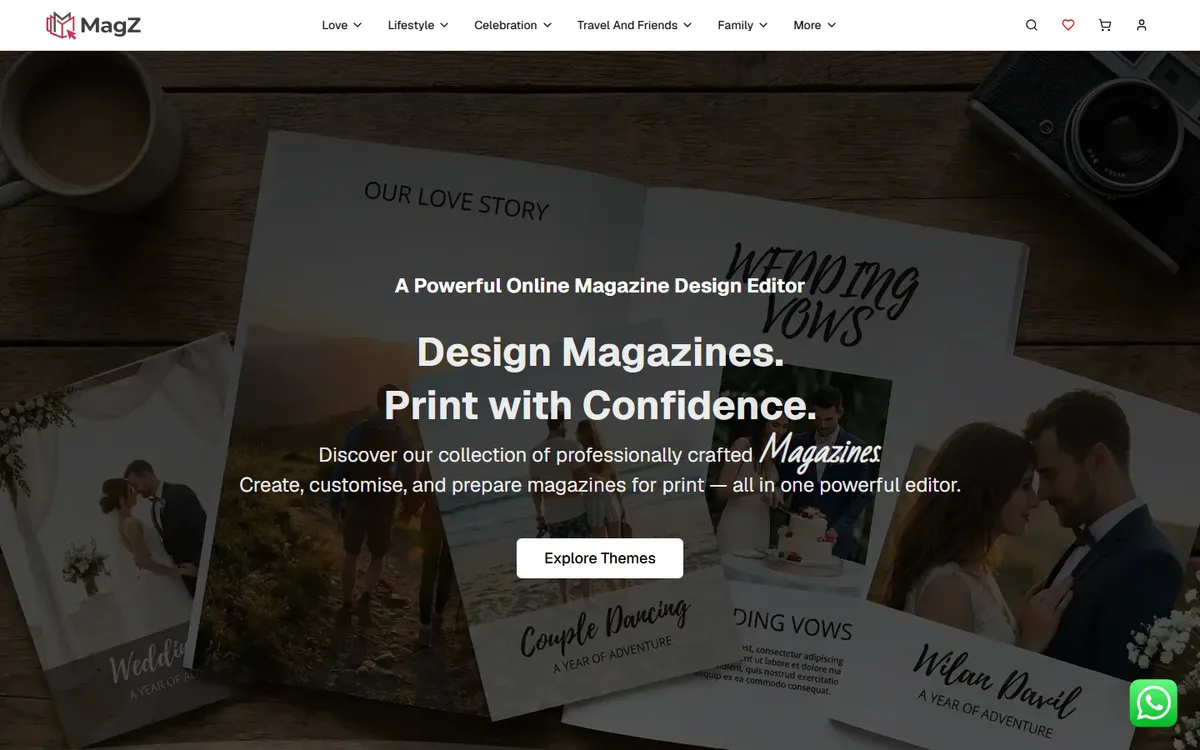
MagZPro is Windows software that turns designer themes and customer photos into print-ready, imposed magazine PDFs, in batches. Its free online version, Magz, lets anyone design a photo magazine in the browser at magzapp.in.
- Windows
- Batch queue
- AI tools
- Free online: Magz
- queue many magazines at once
- Batches
- AI photo styles, from colouring books to art
- 20
- online designer at magzapp.in
- Free
What it does
Magazines without InDesign.
- Theme marketplaceDownload designer themes with their fonts and preview them before use.Themes
- Guided creationTheme, size, photos, text, order number and paper, step by step.Create
- Generation queueAdd many magazines and let them build one after another.Batches
- ImpositionBooklet, cut and stack and N-up layouts with cut marks, plus 20×30 page magazines.Print-ready
- Ready FileImpose finished designs sent by customers into a print PDF.Ready files
- AI toolsFace-aware cropping, background removal, auto-layout and 20 AI photo styles.AI
- Calendars and theme booksThe same engine makes calendars, layflat books and photobooks.More
How it works
Theme in, magazine out.
- 01Pick a themeFrom the marketplace.
- 02Load photos and textAI crops around faces.
- 03Add to the queueOne magazine or a hundred.
- 04PrintImposed PDFs ready for the press.
Built for
Print shops / Photo labs / Album makers / Magazine producers
Questions
About MagZPro
What is the difference between Magz and MagZPro?
Magz is a free online magazine designer anyone can use at magzapp.in. MagZPro is the paid Windows tool that makes print-ready magazines in batches.
Can MagZPro make layflat books and photobooks?
Yes. Layflat books, photobooks and calendars are made with the same engine.
Do the AI features cost extra?
AI features such as background removal and photo styles use credits.
Can I print designs my customers made elsewhere?
Yes. Ready File imposes finished designs into a print PDF.