
What is a digital wedding album? A guide for studios
What is a digital wedding album, what the family sees on the phone, how it differs from a PDF or Drive folder, and how studios and labs make one with a QR.
Short answer
- A digital wedding album is the finished, designed album, page for page, that the family opens on a phone or computer and turns like a book, usually with music.
- It is made from the same JPG pages that go to print, so the design is not redone. A QR code or link on the printed album opens it.
- It differs from a PDF, a Drive folder or a slideshow because it keeps the spreads, the order and the feel of the printed book, and anyone can open it without an account.
- With eAlbum the family can also zoom into photos, play the album as a video and watch AR videos on printed photos (Alive Print).
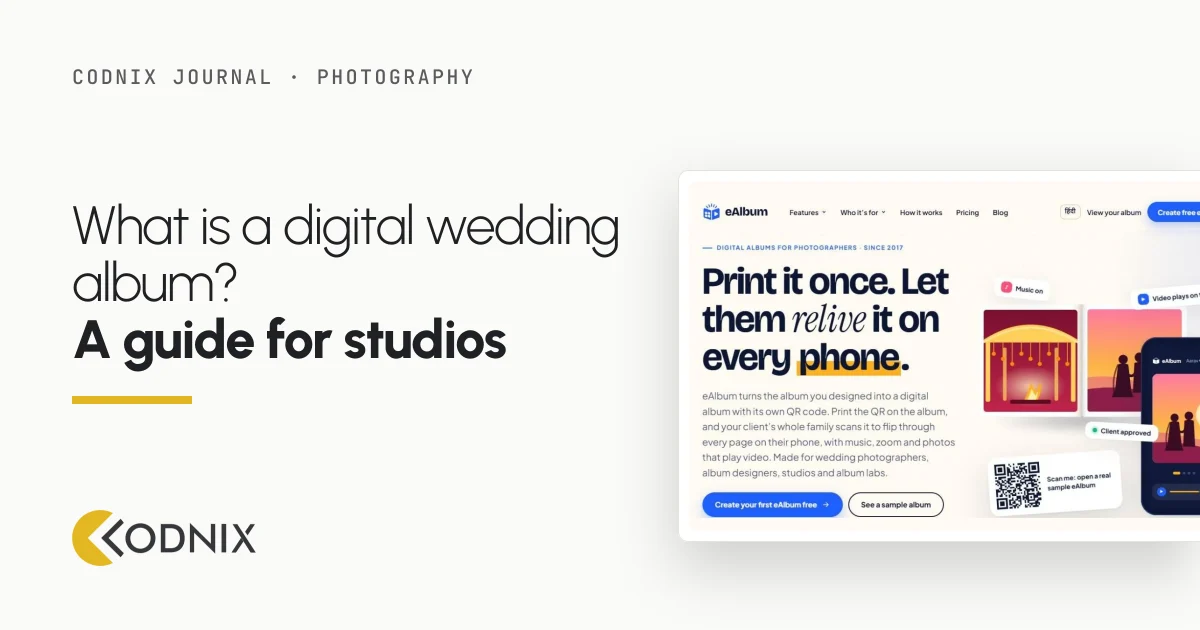
A digital wedding album is the finished, designed wedding album that the family opens on a phone and turns page by page, with music. So what is a digital wedding album in practice? For a studio or lab it is the same set of album pages you send to print, put online with a QR code and an access code. Relatives scan the QR on the printed book and the album opens in their phone's browser.
This guide explains what it is, what the family sees, how it differs from the other ways photos get shared, and what to check before you offer it to your customers.
What is a digital wedding album?
Start with what the couple already gets from you: a printed album of 30 to 40 spreads, often 60 to 80 pages, designed with care, bound and boxed. A digital wedding album is that same album in digital form. Same spreads, same order, same cover. Nothing is redesigned.
The family does not get a folder of 2,000 photos. They get the story the designer built, one spread after another, the way it sits in the book.
That is the simplest digital album meaning, and it is how most Indian studios and labs use the word. Customers sometimes mix it up with three other things.
A PDF of the album opens as a long scroll of pages in a document viewer. Spreads often split, and a 12x36 album makes a heavy file to send on WhatsApp. A shared Drive folder shows file names and thumbnails, which older relatives struggle with, and the design is lost. The raw or edited photos are a separate delivery that many photographers send through an online gallery.
What does a digital album look like on a phone?
Here is a typical digital album example, as the family sees it with eAlbum:
- A relative scans the QR code printed in the album, or taps the link the couple forwarded on WhatsApp.
- The album opens in the phone's browser. There is no app to install and no account to create.
- The phone asks to be turned sideways, and the cover appears as a book.
- Each swipe turns a page with a page-turn sound. Background music starts with the first turn.
- The Play button turns the pages by itself, one every 5 seconds, like a slideshow.
- A thumbnail strip lets them jump straight to the pheras or the reception.
- They can zoom into a photo to see a face up close.
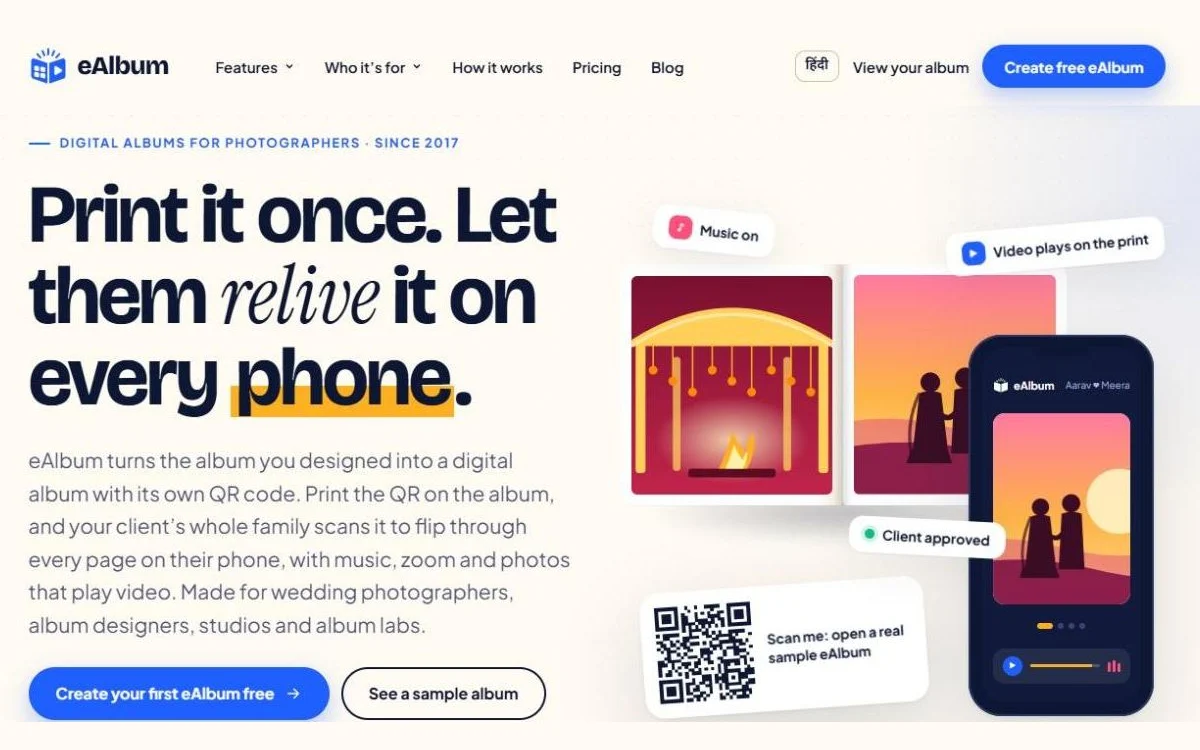
The digital copy can also do two things the book cannot. The same album can play as a video, which is easy to share with relatives who will not swipe through 40 pages. Printed photos can also carry a video. With Alive Print, a guest points the phone camera at a photo in the printed album and a clip plays on top of it, inside the browser.
The studio's name, logo and contact details sit in an info panel in the album, so every relative who opens it can see who made it and call you for their own wedding.
Digital album vs PDF, Drive folder and slideshow video
Studios already send albums in several ways. Here is how they compare from the family's side:
| Way of sharing | What the family sees | Keeps the design? | Easy for elders? |
|---|---|---|---|
| Printed album only | The book, in one house | Yes | Yes, if they visit |
| PDF on WhatsApp | A document, often split spreads, heavy file | Partly | No |
| Google Drive folder | File names and thumbnails | No | No |
| Slideshow video | Photos with music, no pages | No | Yes |
| Digital wedding album | The book, page by page, on every phone | Yes | Yes, scan and swipe |
The digital album is the only option in the table that keeps the designed spreads and still opens with one scan. That is why studios pair it with the print. The book stays in the cupboard at the couple's home. The digital copy goes to the grandparents in another city and the cousins abroad.
Why do Indian families ask for one?
Families are spread out. A wedding brings together relatives from three or four cities and a few from abroad. After the function, only one house gets the printed album. Everyone else sees a few photos forwarded on WhatsApp, if that.
And the phone is where people look at things. Statcounter's figures for India show that about 84% of web traffic in October 2026 came from mobile phones, against about 15% from desktops. A relative who wants to see the album will look on a phone, so the album has to work well there.
The volume is large too. A Jefferies report, quoted by The Week, puts India at 8 to 10 million weddings a year. Each one that ends in a printed album is a chance to give the family a digital copy as well.
For a studio, a digital album also solves a small daily problem. Couples keep asking for "the album on WhatsApp". Sending page JPGs one by one breaks the design and fills their phone. A single link that opens the full album is a cleaner answer.
How do studios and labs make a digital wedding album?
The work is short because the design is already done. In outline:
- Finish the album design in your usual software and get the couple's approval.
- Export the pages as JPG, in the same order as the print, with the front cover first and the back cover last.
- Upload the pages to a digital album service and add the couple's names, your studio name and a music track.
- Get the QR code and access code, and place the QR on the album, at least 2.5 cm wide: inside cover, title page or a card in the box.
- Send the link to the couple on WhatsApp the day the album is approved, even before the print is ready.
We cover the file side in detail in how to make a digital photo album, and the QR side in QR code album for wedding orders. For a photographer's step-by-step delivery plan, eAlbum's own guide on how to deliver wedding albums digitally is a good read.
The page files themselves matter as much online as they do in print. If you are unsure about sizes, our guide to wedding album size in pixels lists the common Indian album formats.
What should you check before offering digital albums?
Services differ. Before you add digital albums to your packages, check these points:
- Opening without an app. Ask a relative over 60 to scan a test QR. If it needs an app download or a sign-up, many family members will give up.
- Spreads and single pages. Your albums may be spreads (12x36, 12x30) or single-sided photobooks. The viewer should show both correctly.
- Your branding. Your studio name and contact should appear in the album, so every viewer knows who made it.
- Validity. Find out how long the album stays online and what happens after that. eAlbum albums stay online for a year, and the validity can be extended later with the same QR.
- Extras the family will notice. Music, zoom, video and AR on printed photos are what make relatives open the album a second time.
- Volume. A studio making 10 albums a month can upload each one by hand. A lab printing albums for many studios needs bulk creation.
On the last point, labs that print for many studios can use eAlbum Batch. This Windows app watches order folders and creates an eAlbum with its QR files for each marked order. Labs that make print PDFs with Quick PDF Generator can create the eAlbum while making the PDF, with the QR placed on a chosen album page. More tools for this kind of work are on our photo labs and photographers pages.
More than 10 lakh QR albums have been created with eAlbum so far, by photographers, studios and labs.
A short note on selling it
Most studios sell the digital album as part of the wedding package, not as a separate line item the couple has to think about. A simple way to explain it to the couple: "Your album will have a QR code. Anyone in the family can scan it and see the whole album on their phone, with music."
Showing works better than describing. Keep a sample album from your own work on your phone and let the couple scan it at the booking meeting. Use a demo album you made yourself, never another client's.
Want to try it with one of your albums? Create your first eAlbum free at ealbum.in, or see what it does on the eAlbum product page. For eAlbum support, call +91 81280 66331.
Frequently asked questions
What is a digital wedding album?
It is the designed wedding album, the same spreads as the printed book, published so the family can open it on a phone and turn the pages, usually with background music. A QR code, link or access code opens it.
What is the meaning of digital album in a photo studio?
In Indian studios and labs, a digital album usually means the online copy of the printed album that a QR code on the album opens. It is not the raw photos and not a PDF file.
Is a digital album a replacement for the printed album?
Most studios sell it with the printed album, not instead of it. The book stays at home and the digital copy goes to every relative's phone.
Does the family need an app to see a digital wedding album?
Not with eAlbum. The QR opens the album in the phone's browser, and the access code works at view.ealbum.in if the camera cannot scan.
How long does a digital wedding album stay online?
That depends on the service. An eAlbum stays online for a year and its validity can be extended, so tell the couple this when you hand over the album.