
Best web to print software: a checklist before you buy
How to choose the best web to print software for a print shop or photo lab: a checklist for the store, online editor, pricing, file checks and order flow.
Short answer
- The best web to print software is the one that fits the products you sell: check the online editor with your own product first, then the store, pricing, file checks and order management.
- A web-to-print platform should include a branded store, an online editor with templates and live preview, price calculators, automatic file checks, print-ready PDF output and an order dashboard.
- Ask for a demo with your own products and a test order from phone to production file before you sign, and check who sets up templates and trains your staff.
The best web to print software for a print shop or photo lab is the one that handles your own products well from the customer's phone to your press. Before you compare feature lists, test the online editor with a product you sell every day. Then check the store, the pricing rules, the file checks and the order flow. The checklist below covers each part.
Most buyers start by searching for a ranking. Rankings help you find names, but they cannot tell you whether a platform suits a lab that sells wedding photobooks and Diwali gift frames from a shop in Rajkot. That depends on your products, your customers and your team.
What kinds of web-to-print software are there?
Before the checklist, know the three types you will come across. Each suits a different shop.
| Type | What you get | Suits |
|---|---|---|
| Editor plugin | A design editor added to a store you already run | Shops that already sell online and only need personalisation |
| Full web-to-print platform | Store, editor, pricing and order management together | Print shops and labs that want one system from order to production |
| Print management system with a web portal | Estimating, job costing and production planning, with an online ordering portal | Larger commercial printers with mostly business clients |
An editor plugin is fine if you already have a working online store and a team to manage it. You still handle files and order status elsewhere. A full platform costs more to set up but removes the copying between systems. A print management system is strong on the factory side and often weaker on the consumer editor.
For B2C photo and gift products, the editor and the store matter most, so a full web-to-print platform is usually the best fit.
The online editor checklist
The editor is where your customer spends most of their time, and where a sale is won or lost. Customer's Canvas, a company that builds print editors, puts the user interface at the top of its own buyer checklist. Test each of these on a phone, not only on a laptop.
- Does it open fast and work in a phone browser, with no download?
- Can the customer start from a template for each product you sell?
- Is there drag and drop for photos, and can they crop, zoom and mask a photo inside a frame?
- Does the live preview show the real product shape, including the cover, spine or calendar grid?
- Can you lock parts of a template, such as a logo or brand colour, so customers cannot change them?
- Does it save work automatically, so a customer who closes the browser can come back?
- Does it warn the customer when a photo is too small for its box, say under 150 DPI at its printed size?
- For photobooks and calendars, can it fill the pages automatically from the customer's photos?
- Does it export a high-resolution, print-ready PDF that matches your trim size and bleed?
Test it with real customer photos, not the vendor's samples. Take 30 photos from a phone, some of them forwarded on WhatsApp, and make a photobook. If you get frustrated halfway, so will your customers.
The store and pricing checklist
The store is your shop window, and the pricing engine decides whether you make money on each order.
- Does the store carry your brand, domain and colours, with no vendor logo?
- Do the store themes look right on a phone?
- Can you add a new product, with sizes, papers, covers and finishes, without a developer?
- Does the price calculator update as the customer changes options?
- Can you set price rules (by quantity, by option, by customer group) instead of typing every combination?
- Can you run discount codes, vouchers and festive offers?
- Can you set up a different buying flow for each product, so a calendar asks for a start month and a photobook asks for a cover type?
- Does checkout take the payment methods Indian customers use, such as UPI and cards?
- Can you run more than one brand from one account, if you sell under two names?
The order and production checklist
This is the part buyers look at last, and the part your staff live with every day.
- Does every order arrive on one dashboard with its files, options and payment status?
- Can you set your own production stages, matching how your shop works?
- Are uploaded files checked automatically for size, resolution and bleed (preflight) before they reach production? A 3 mm bleed missing on a photobook cover is a reprint.
- Do order files download as one organised package, named so your operator knows what is what?
- Are invoices, order confirmations and shipping messages sent automatically?
- Can the customer track the order without calling you?
- Are there reports on sales, products and repeat customers?
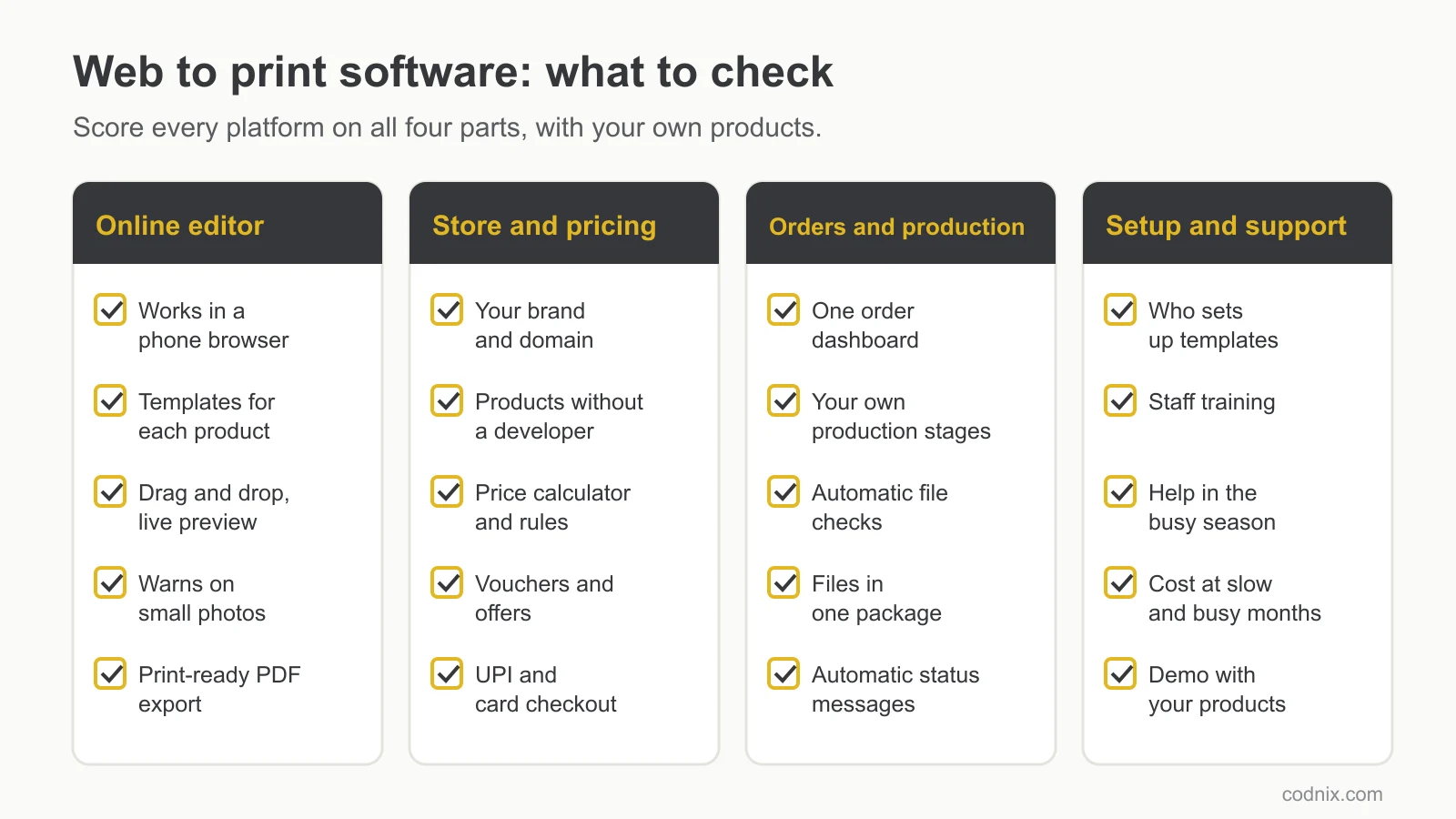
Setup, support and cost model: what to ask the vendor
Feature lists look alike. The difference shows up in the first three months after you sign.
- Who sets up your products and templates: you, or the vendor's team?
- Will they train your staff, and in which language?
- What happens when a customer's order fails at night during the wedding season? Who answers?
- Where is the platform hosted, and how fast does the editor load for customers in India? Customer's Canvas lists hosting location as a question to ask.
- Can new features be added later for your products?
- Is the cost a fixed fee, a per-order charge, or a mix? Work out what it means at your slow month and your busiest month.
- Can you see a demo with your own products, or try a sandbox, before you decide?
Wikipedia's article on web-to-print notes that small and mid-sized printers have often found these systems hard to afford and hard to staff. Choose a platform your team can run without a full-time developer.
How to test the best web to print software before you buy
Shortlist two or three platforms. Then put each one through the same test.
- Pick three products you sell most, for example an 8x6 desk calendar, a 12x12 photobook and a photo frame.
- Ask each vendor to show those three products in a demo, not their own samples.
- On a phone, design one of each as a customer would, with real photos.
- Place a test order and follow it to the production file.
- Open the PDF. Check the trim size, bleed, resolution and page order.
- Ask your production operator to rate the order screen and the file package.
Score each platform on the four checklists above. Give the test 2 days per platform, not an hour. The best web to print software for you is the one that scores well on the editor and the order flow with your own products.
Where PrintPoz fits
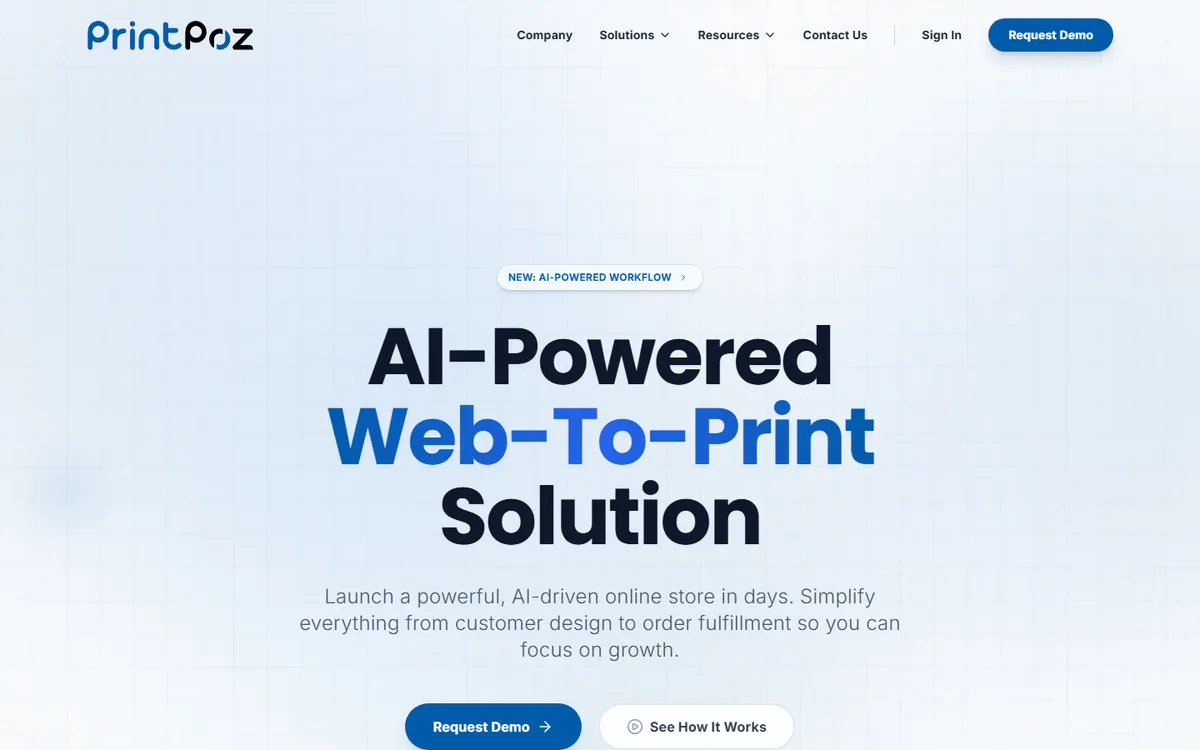
PrintPoz is the web-to-print platform from Codnix, built as a B2C solution for the printing industry. It is a full platform: a branded online store with price calculators and rule-based pricing, PrintPoz's own online editor (templates, drag and drop, image masking, brand locks, live preview, auto-save and print-ready PDF, PNG or JPEG export), Smart Creation that lays out photobooks and calendars from the customer's photos, and order management with a central dashboard, custom workflows, automatic preflight checks and automatic invoices and notifications.
There is no public free trial. You book a demo, and Codnix can set up a sandbox for your own use case so you can run the test above with your products.
New to the idea? Start with what web to print means, then plan your launch with how to start an online printing website. For the rest of the tools Codnix makes for shops, see print shops and photo labs.
Want to put your own products through this checklist? Book a PrintPoz demo.
Frequently asked questions
What is the best web to print software?
There is no single best one for every shop. The best web to print software for you is the one whose editor handles your products well, whose prices and order flow match how you work, and whose team will help you set it up.
What should a web-to-print platform include?
A branded online store, an online editor with templates and live preview, price calculators and rules, secure payment, automatic preflight checks on files, print-ready PDF export, and an order dashboard that follows the job to delivery.
What is the difference between a web-to-print platform and an editor plugin?
A plugin adds a design editor to a store you already run, and you manage orders and files elsewhere. A full platform includes the store, the editor and order management together, so an order arrives with its file and details in one place.
Should I test web-to-print software before buying?
Yes. Ask the vendor for a demo with your own products, then place a test order on a phone and check the file that reaches production. Some vendors can set up a sandbox for your use case.